
Hi hello, everyone! It’s Hero here yet again, and I’m here to walk you through the process of voting for your favorite entries in the Tourney of the Tatzelwyrm!
First, go to this page:
https://theteamplus.us/tourney-of-the-tatzelwyrms-voting-page/
You should see something that looks like this!
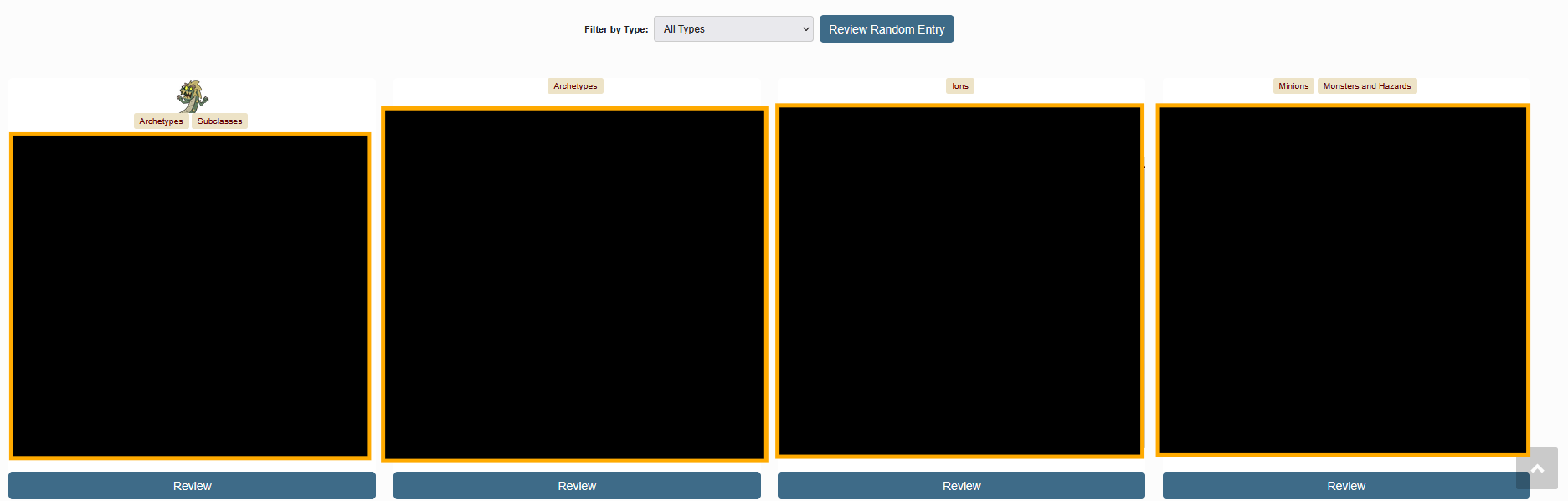
(Sorry – no spoilers here!)
You may also see a familiar face! If an entry’s tags feature Terry The Tatzelwyrm’s friendly little smile, that’s an indication that it’s a Professional entry.
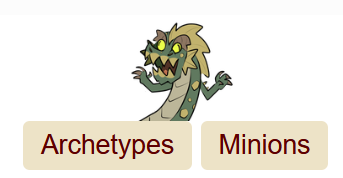
From there, you can select an entry that interests you, filter existing entries by type via the drop down menu, or go to a random one by pressing the “Review Random Entry” button, located above the entries! Once you’ve found an entry that interests you and clicked its corresponding “Review” button, you will see the entry itself, which you can browse. But, the part that’s important here is at the bottom – first up is the voting legend, which also contains the report button.
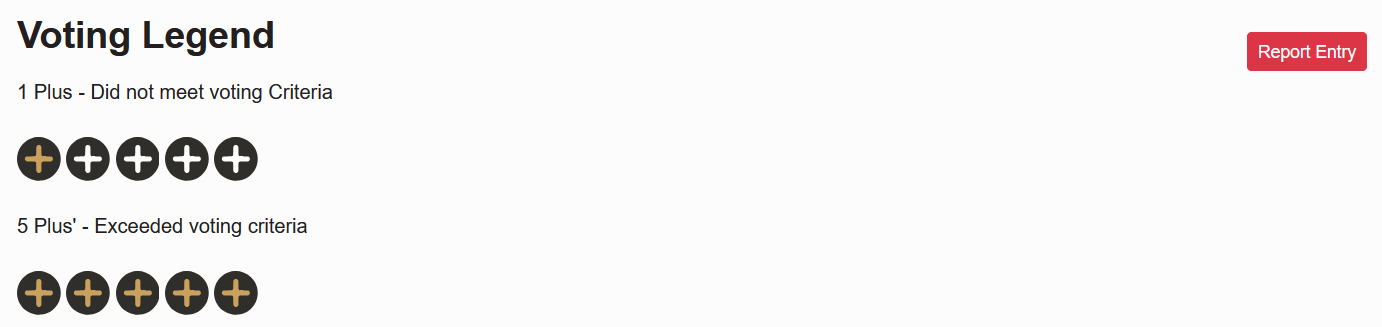
Please do report any entries if you think they’re violating any of the rules.
Voting goes from left to right. 1 plus symbol means 1/5 points, while 5 pluses means a 5/5.
Then is the actual voting interface! The categories have been covered elsewhere, but are recapped here as well!
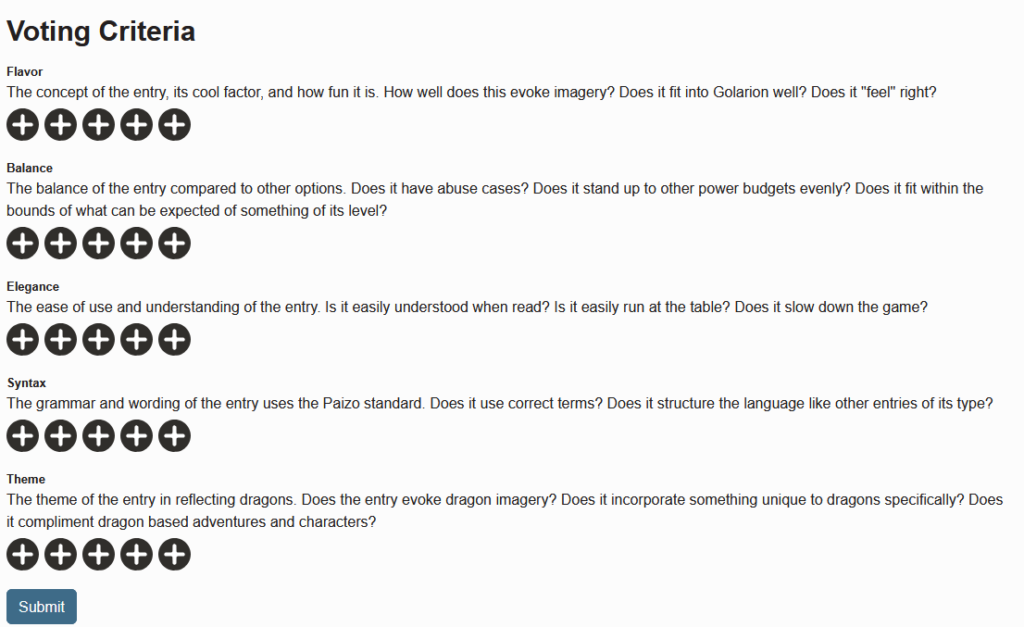
Once you’re read through the entry, here is where you will rate it based on all the different categories, from 1-5. Simply click on the pluses to highlight the amount you’d like to rate the entry’s execution of that category. Once you’ve done so for every category, simply hit submit!
That’s all it takes! Vote on as many entries as you can get your grubby little claws on, and be part of how the winners are picked!
We’re also throwing in an incentive, though – if you vote on at least 20 different entries, you can be eligible to claim a free month of membership on the Team+ Patreon at the Uncommon tier!
Good luck to all the contestants, me included, and we will see you all in two weeks when the public voting period closes!
– Hero